Record the written terms, not your memory
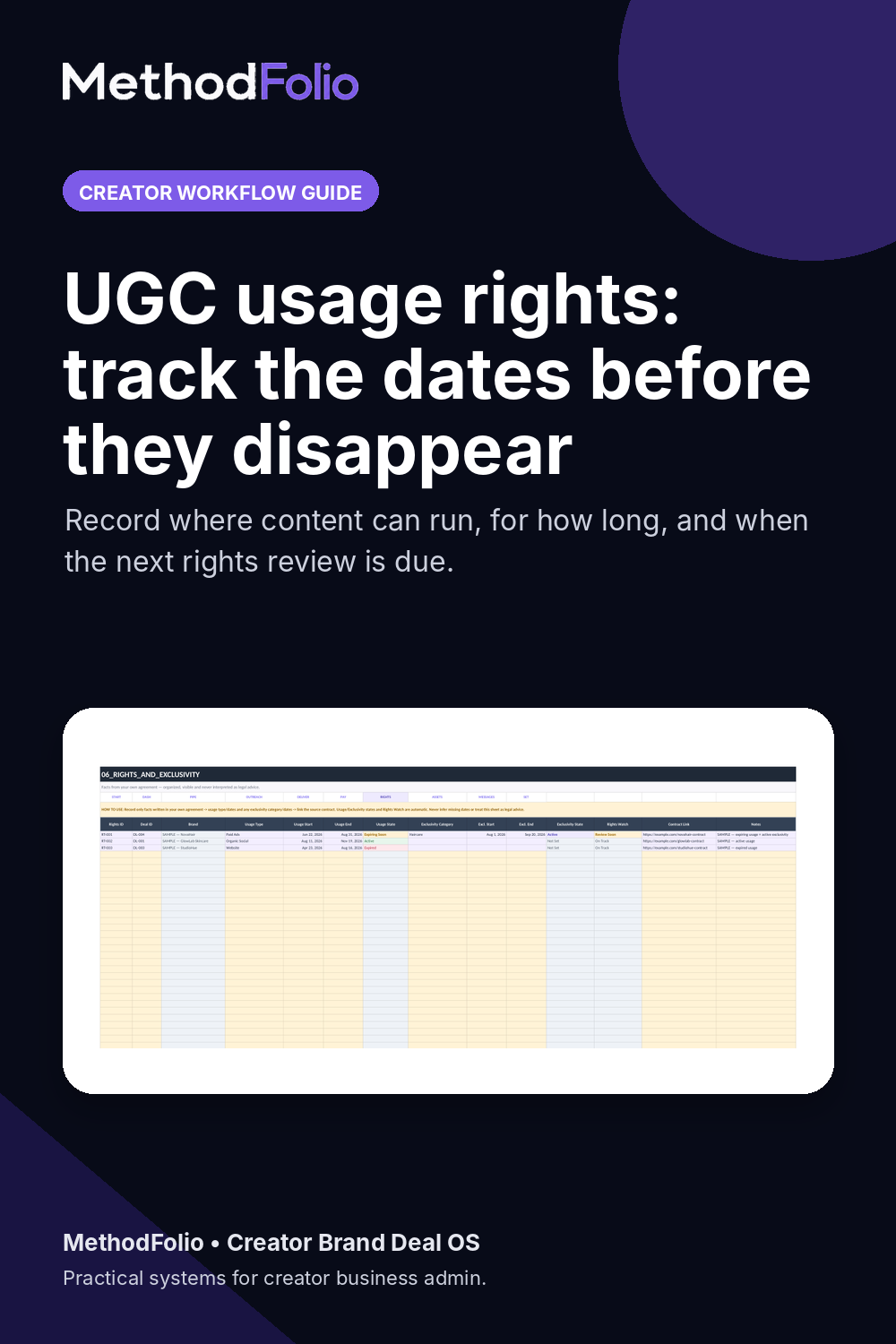
For each deal, record the usage type, usage start and end dates, exclusivity category and exclusivity dates when they apply. Keep the contract or written confirmation linked to the same record. If a term is unclear, return to the source agreement rather than inventing an answer.
The tracker should point you back to the signed agreement or written confirmation. It is an operational record, not legal advice.
Track exclusivity separately
Usage rights describe how the brand can use the content. Exclusivity can limit what you can do with competing brands. Because those timelines can be different, keep separate start and end dates when exclusivity applies.
Use recorded end dates to trigger a review
A recorded usage or exclusivity end date becomes useful when it is easy to review. Use the recorded dates and Rights Watch status to surface windows that are active, approaching their end or already past the date you entered.
Keep rights connected to the original deal
Keep the rights record connected to the same deal and its source contract link. That preserves the business context without asking the tracker to interpret what the agreement means.
Keep the operating facts together.
See the rights and exclusivity workflow inside Creator Brand Deal OS.